Features

Everything DiskDuo does.

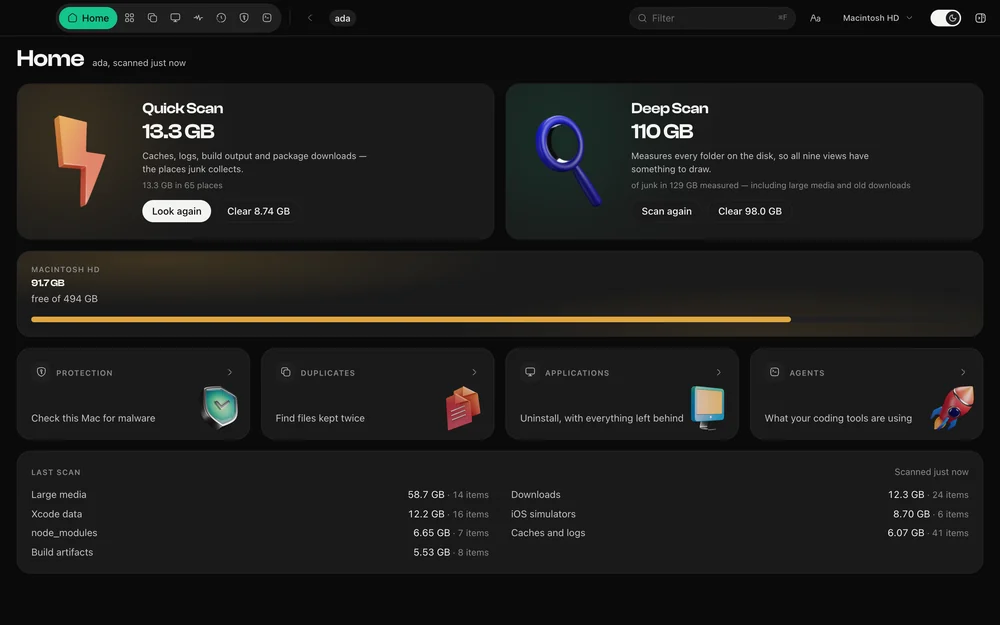
One scan answers every question on this page. Each feature reads the same measurement of your disk, so the figures agree with each other — and with what macOS reports.

Nine views

One scan, nine readings.

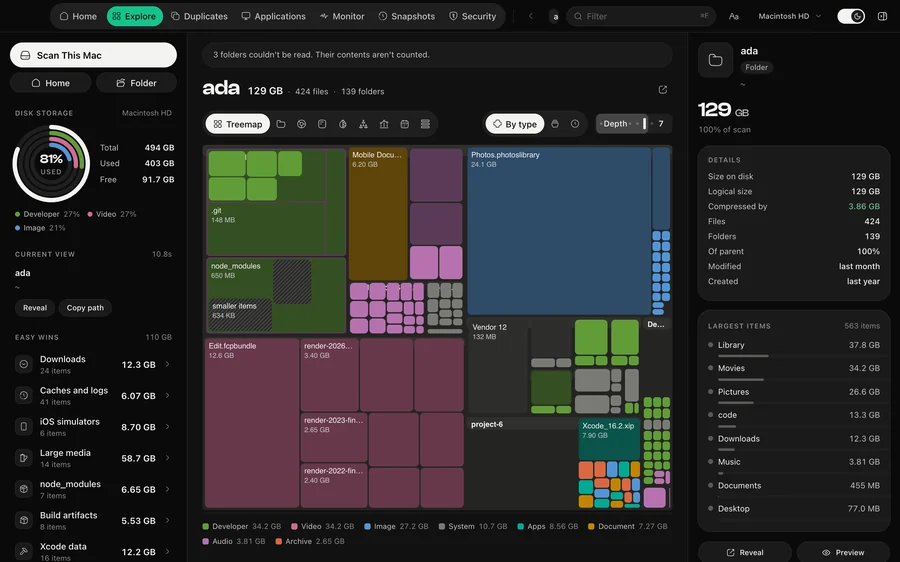
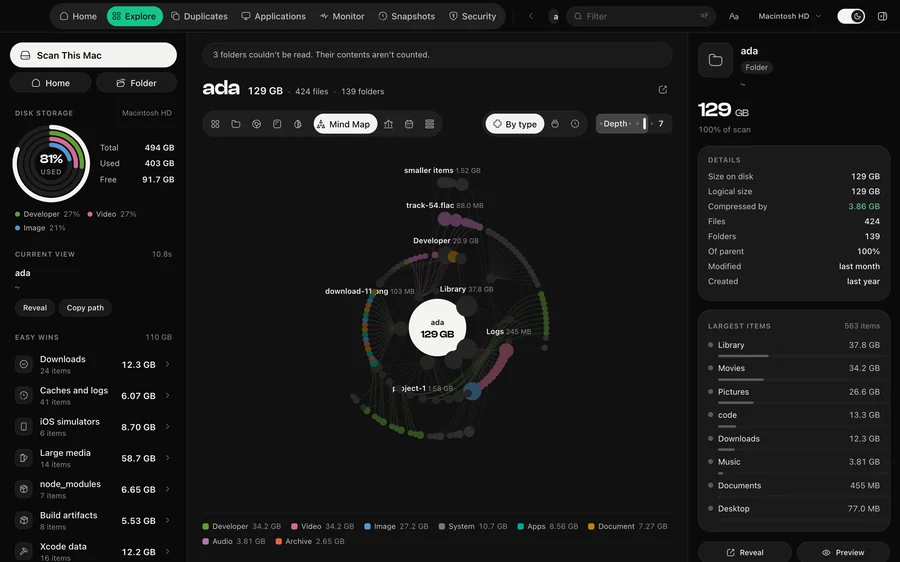
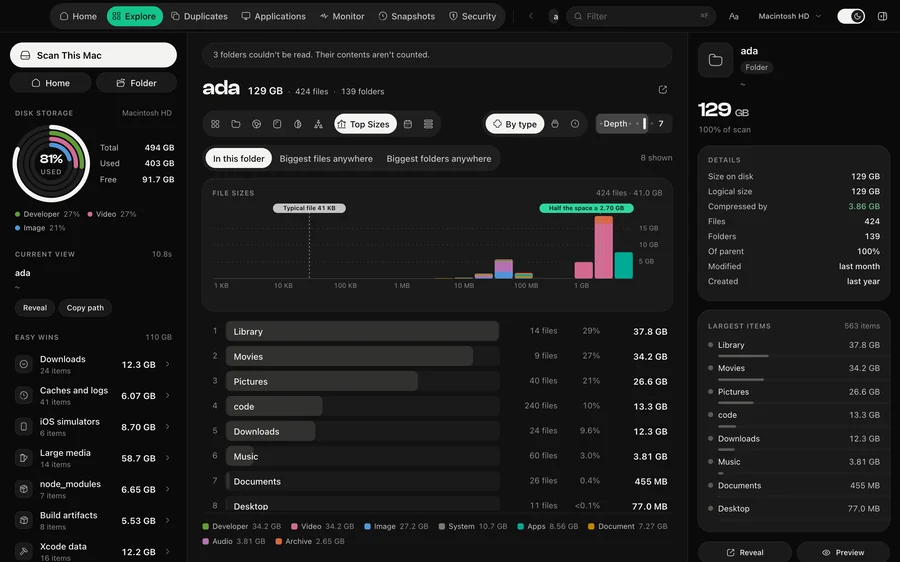
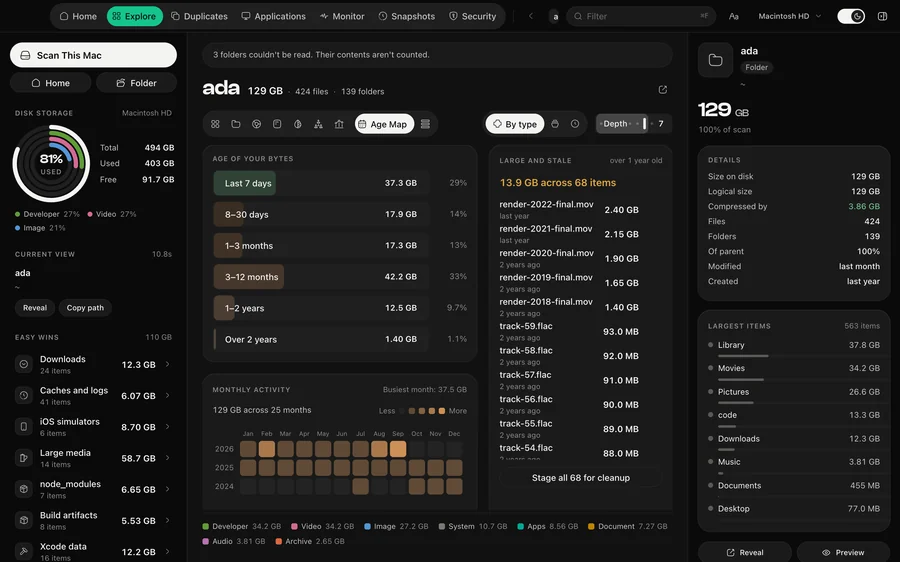
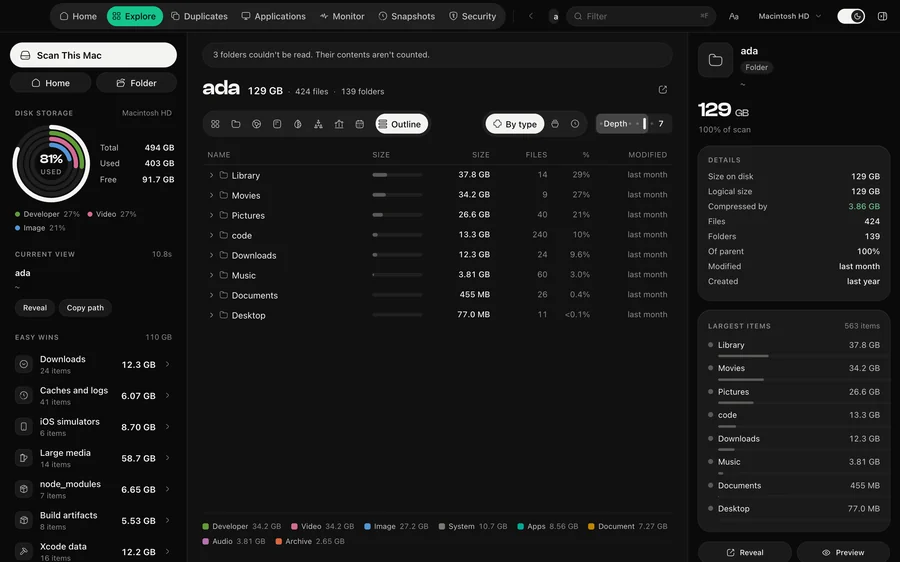
A treemap answers “what is big”. A sunburst answers “where does it sit”. An age map answers “what have I not touched in a year”. They are the same scan, and they keep the same selection between them.

The Treemap view in DiskDuo
TreemapArea is size. Nesting is folders.
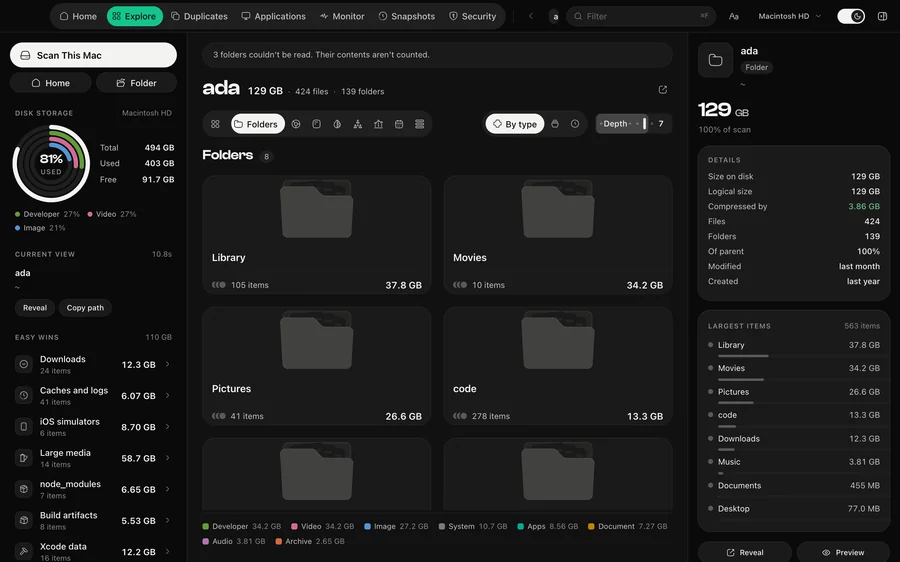
The Folders view in DiskDuo
FoldersOne level at a time, as cards.
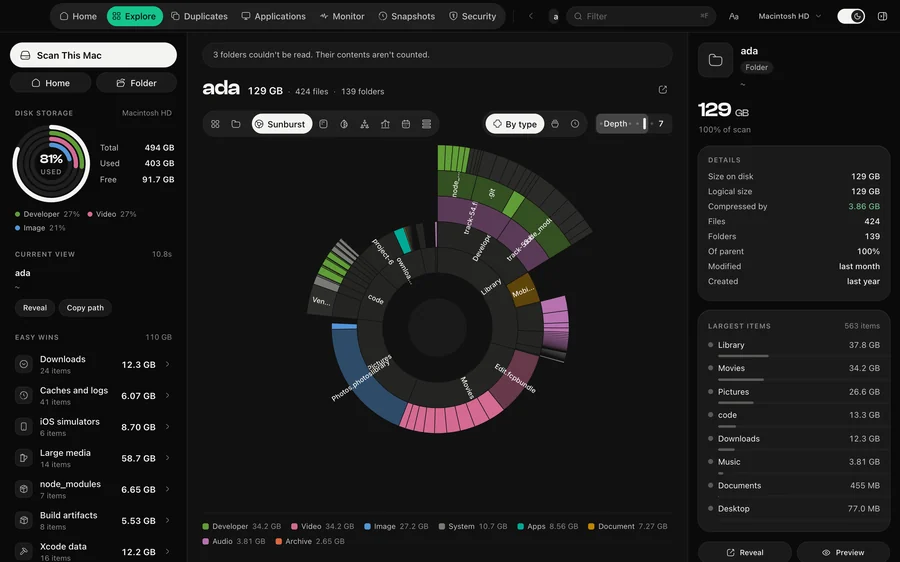
The Sunburst view in DiskDuo
SunburstRings go deeper as they go out.
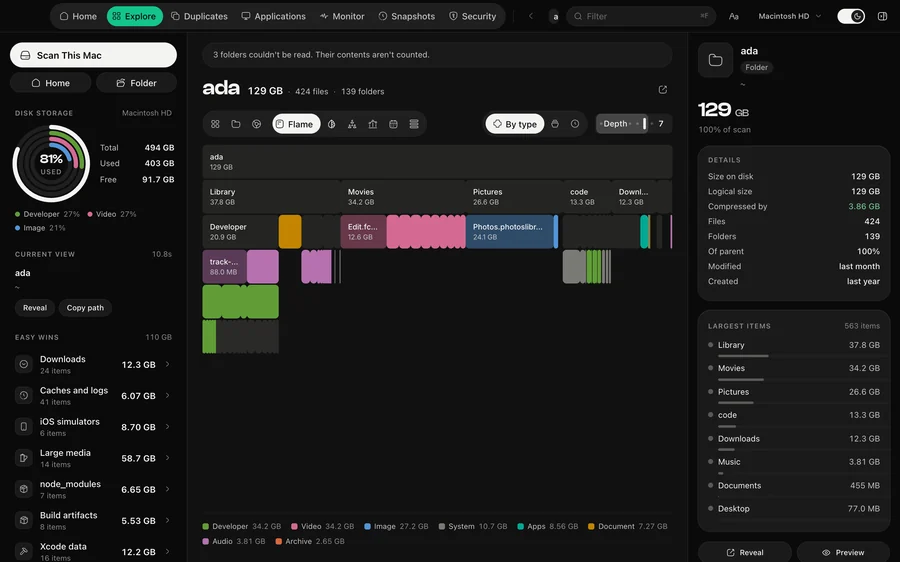
The Flame view in DiskDuo
FlameEach row is one level deeper.
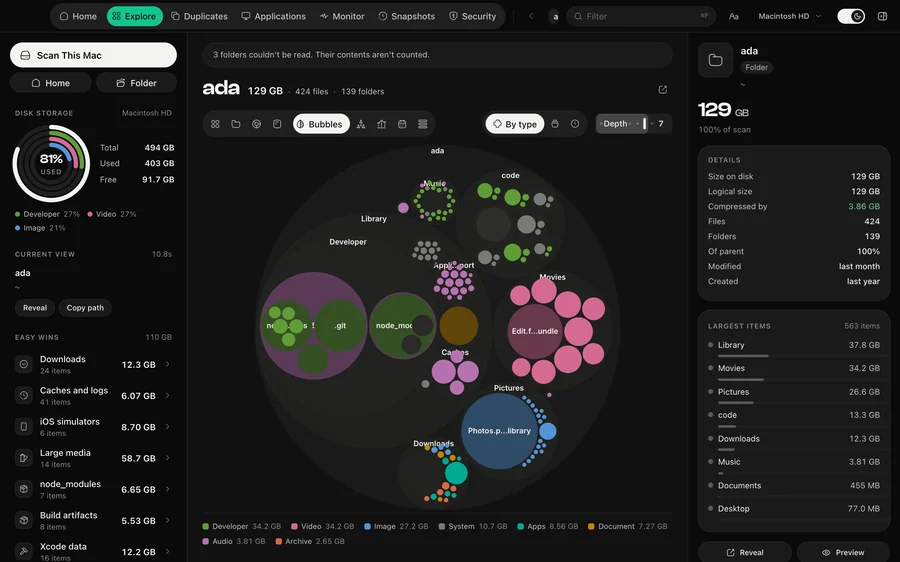
The Bubbles view in DiskDuo
BubblesFolders packed inside their parents.
The Mind Map view in DiskDuo
Mind MapYour largest folders, radially.
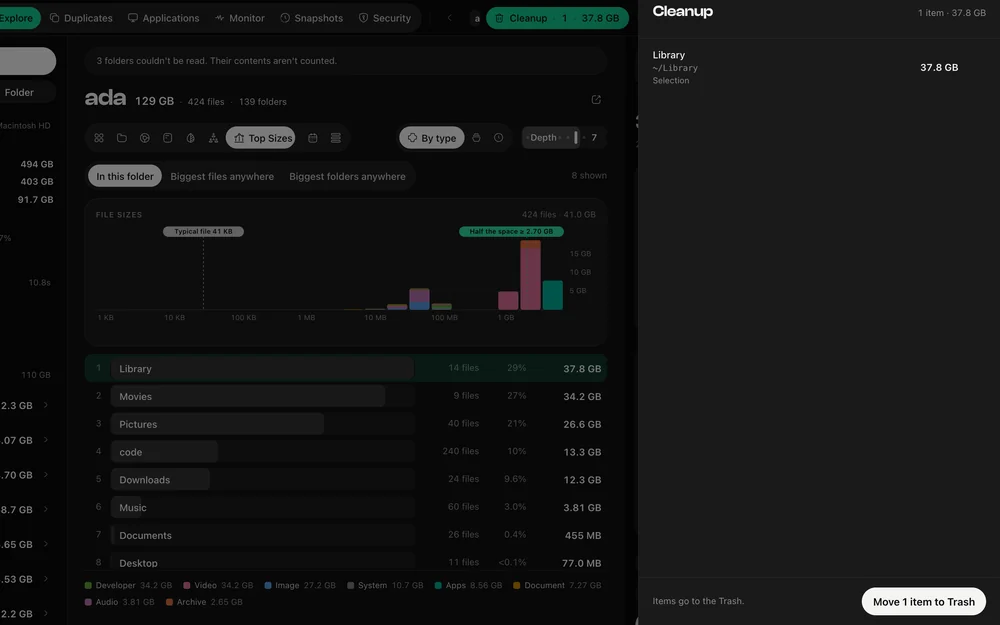
The Top Sizes view in DiskDuo
Top SizesHeaviest first. Scroll for the rest.
The Age Map view in DiskDuo
Age MapWhen your bytes were last touched.
The Outline view in DiskDuo
OutlineEvery folder as an expandable list.

See it on your own disk.

macOS 14 or later. One payment, no subscription.

Download DiskDuo